 Codeverything
 Toneva
Toneva
Your music.Your room.Your rules.
Make room for the music you own. Import your files, keep favorites and playlists, and choose a listening room — across iPhone, iPad and Mac.
Toneva is preparing for release. The screens show an unreleased candidate with owned demo audio. A download link will appear here when the App Store release is public.
Know what you’re installing
No Toneva account. No ads. No tracking.
A library that feels like yours
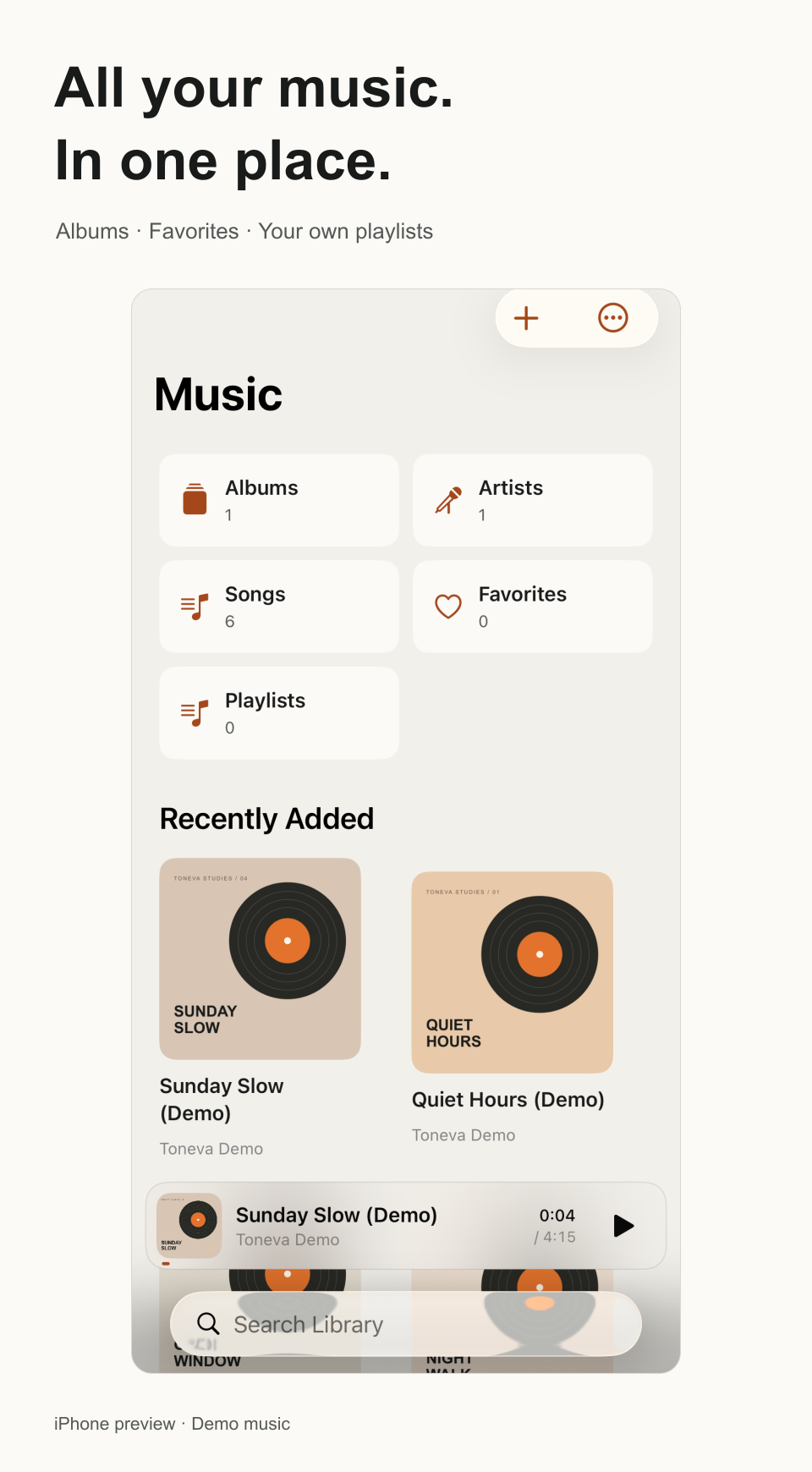
Bring in audio files or folders. Browse albums and artists, save favorites, and put a playlist together for the moment.
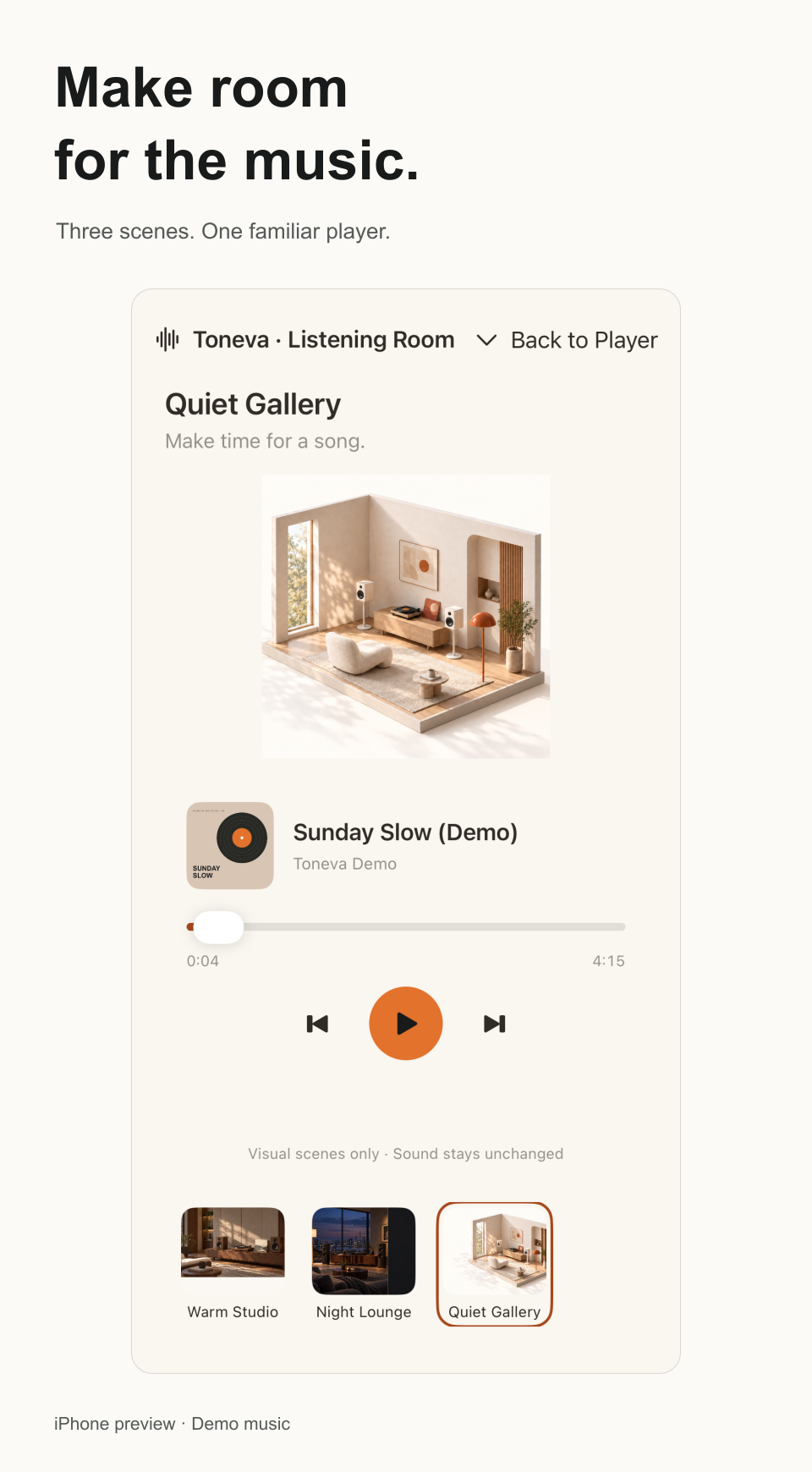
Set the room. Keep the music.
Warm Studio, Night Lounge and Quiet Gallery give your player a different setting. The rooms change the view; sound processing stays your choice.
Find your place again
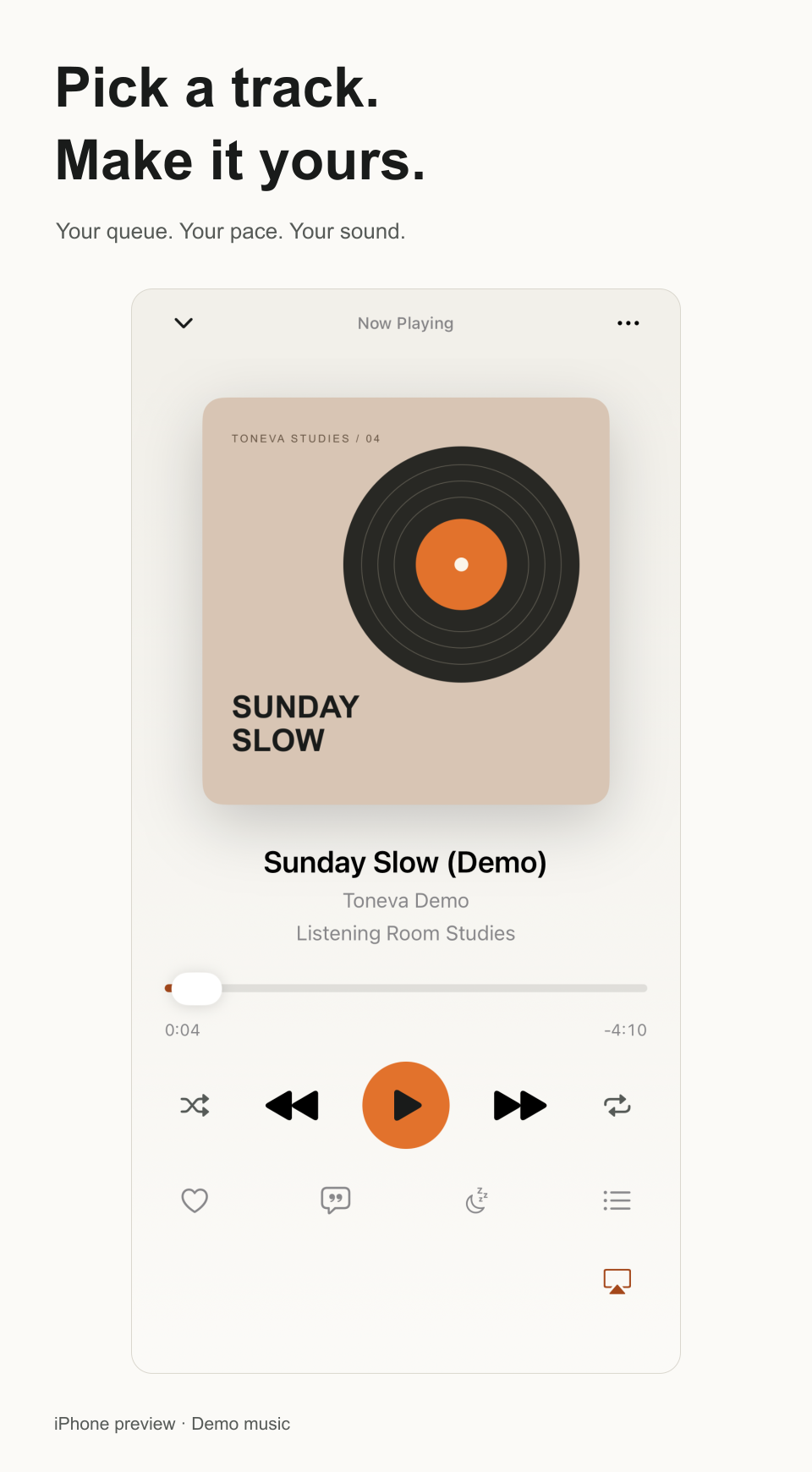
Resume long audio, adjust spoken playback speed, use short skips or save a time bookmark. A sleep timer can end your listening session.
Your listening, at a glance
See time listened and songs played in Toneva. Local listening statistics work without an account. ListenBrainz is a separate, optional connection and stays off until you enable it.
From your browser to your library
Start Wi-Fi Transfer on a trusted private network or personal hotspot, then send supported audio from your computer’s browser. No cable or Toneva account is needed.
Small controls, close at hand
Add a Toneva widget to your Home Screen or Mac desktop for playback controls and a quick way back to your music.
Your library, in step
Choose private iCloud sync for favorites, playlists, playback position and selected settings. Keep the same audio files on each device; Toneva matches independently imported copies.
Choose your sources and sound
Use supported HTTPS, HLS and read-only WebDAV sources, or keep an offline copy. EQ and other sound processing are optional. Playback Details keeps file facts and output evidence separate.